
Showing posts with label Photoshop. Show all posts

Friday, 30 August 2013

Mengkrop Gambar


\

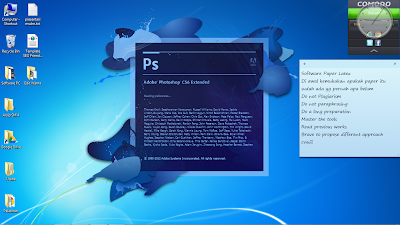
First of all open Photoshop CS 6 Software.


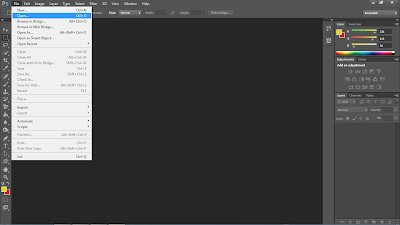
1. Click File > Open


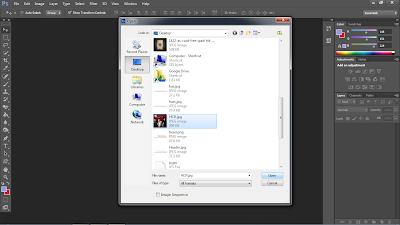
2. Choose Image that you want to crop. 


3. Click and choose Pen tools
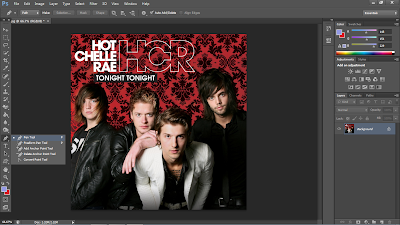


 4. Start making line around the pict that u want to crop
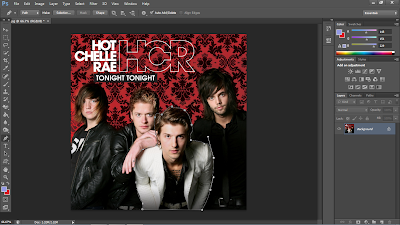


5. Right Click on the path, choose Make selection
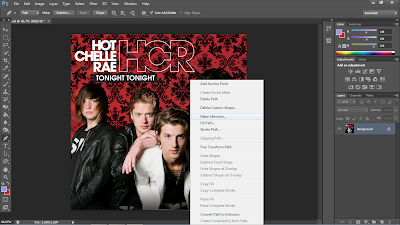


6. The pic will be like this
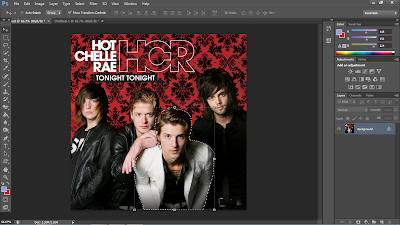


 7. Make a new layer 
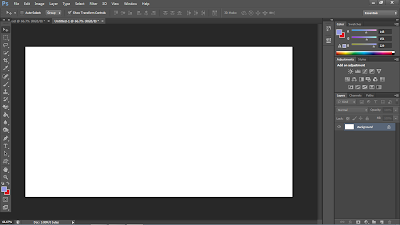


8. Move the pict that we crop
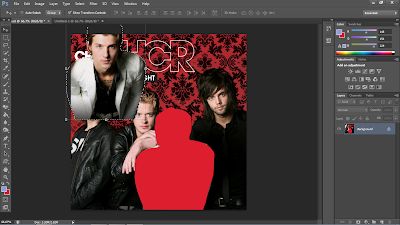


9. Move it to the new layer
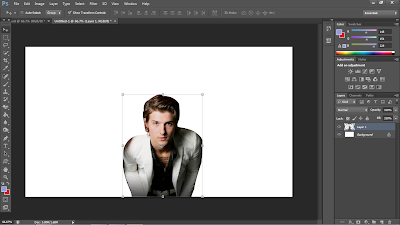


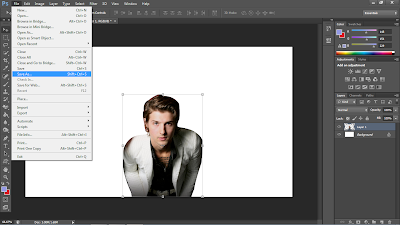
10. Click File > Save as


Membuat gambar hitam putih


First of all open Photoshop CS 6 Software.


1. Click File > Open


2. Choose your pic


3. Click Image > Adjustment > Chan


4. In the Channel Mixer Window change Preset to Black & White


5. Click File > Save as

Sunday, 19 May 2013

Make fire effect using Photoshop CS 6


First of all open Photoshop CS 6 Software.


1. Click File > Open

2. Choose Image that you want to crop. 


3. Create  a new layer


4. Click and choose brush tool


5. Change the brush preset to ss- flames

6. Change the brush color to yellow #cefb18


7. Click on the worklayer


8. Double click on layer 1, choose outer glow,


9. Change the color to red #fc0511 , then OK


10. Click 1 more time on tho workplace


11. Click File > Save as

Download adobe photoshop cs 6


From :

1. Torrent

asphotoshop.blogspot.com


2. 4shared


3. Mediafire

asphotoshop.blogspot.com